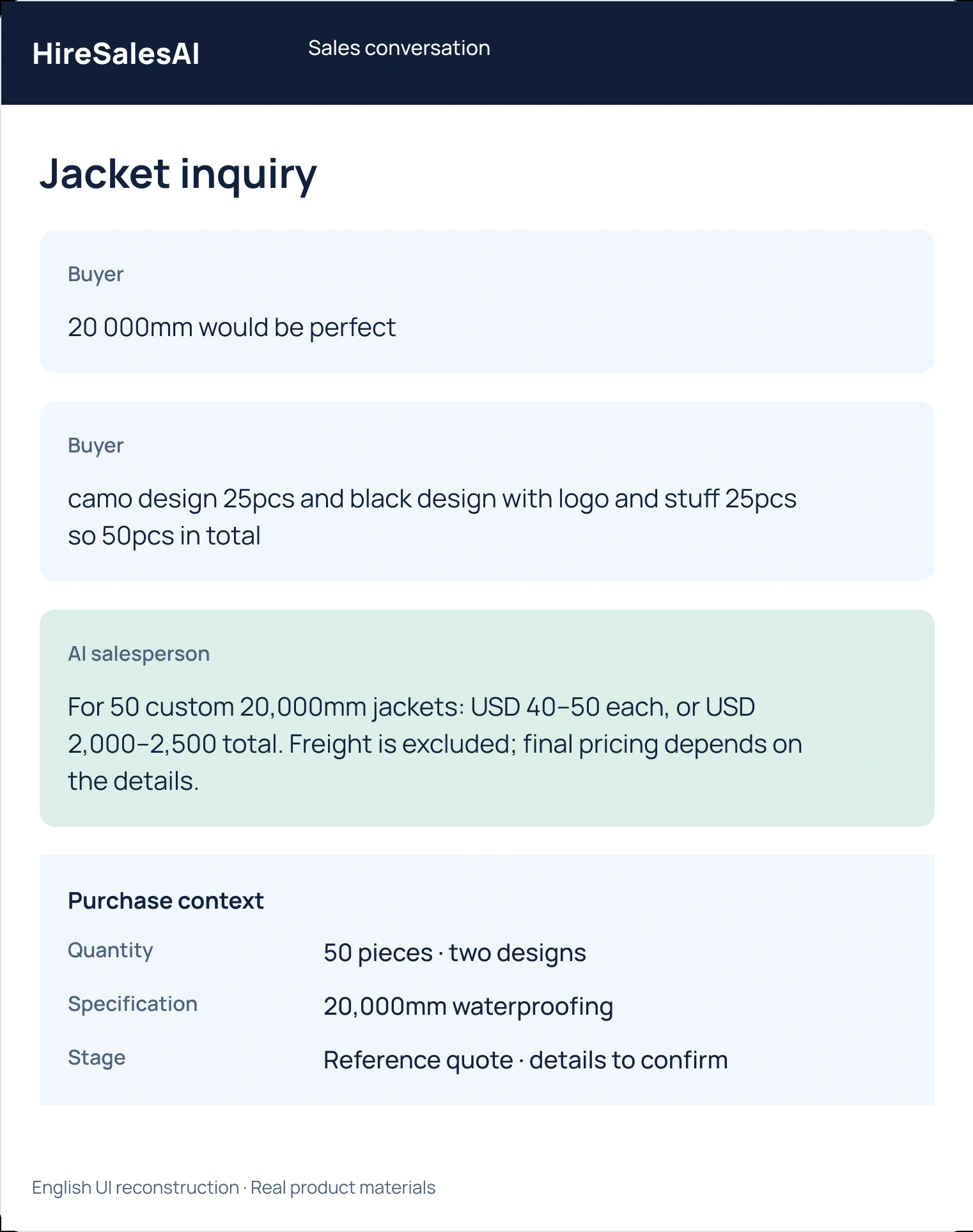
A wholesale buyer changes the quantity after receiving your quotation. Confirm the new assortment and check the conditions affected before sending a revised offer. Multiplying the old unit price by the new total may miss a quantity tier, packaging requirement or delivery change.
This guide is for small wholesale teams revising an offer before the buyer pays. It proposes a short change record and a hypothetical example. If the purchase is already confirmed, paid or being prepared, route the change through the responsible order process; a new chat message alone does not amend every downstream record.
Identify what the buyer actually changed
Link the request to the current quotation reference. Confirm whether the buyer is changing the total quantity, the mix of variants or both. A request for fewer units may preserve the original assortment, remove one variant or change the balance between several products. Those are different revised scopes.
Summarize the difference in plain language before asking further questions. Retain information that is already confirmed and avoid restarting the entire qualification process. If the message is ambiguous, ask for the missing split or product reference rather than choosing the interpretation that makes the calculation easiest.
Use a four-part revision record
- Original basis: identify the current quotation version, product references, quantity split and relevant conditions. Preserve it as the earlier offer.
- Requested change: record the new quantities by variant and any related packaging, destination or timing request. Distinguish a proposed change from buyer approval of a final revision.
- Affected checks: verify the applicable unit rate, minimums, charges, availability and delivery basis with the responsible sources. Leave unsettled items explicitly open.
- Revised decision: state the new version, what changed, what is unchanged and what the buyer must confirm before the next authorized step.
Shopify's draft-order documentation separates products, discounts, shipping and taxes as parts of a draft. Its order-editing guidance also distinguishes changing an order from handling an additional payment or refund. These are platform-specific workflows, but they illustrate why changing a quantity is not just editing one total. They do not establish an automatic HireSalesAI order-editing integration.
Compare two revisions to one request
Imagine a hypothetical buyer who was quoted 120 shirts, split equally across three sizes. They now want 90, with 50 in the largest size. Simply changing the total to 90 and keeping the original equal split would misrepresent the request. Keeping the original unit rate without checking its quantity basis could also produce an unauthorized offer.
A clear response confirms the remaining two size quantities, checks the current commercial basis and identifies any preparation or delivery implications. The revised offer then shows the new split and the approved charges. It points to the previous version and states which version the buyer is being asked to accept.
Compare the same inquiry under both approaches. The first produces a new number while leaving the assortment uncertain. The second creates an offer that can be checked against the requested change. This tests revision accuracy; it does not prove that a revision caused a purchase.
Prevent an old version from remaining active by accident
Keep a clear status for the earlier offer under your actual workflow. If an invoice or payment request has already been issued, have the responsible operator check whether it must be amended or replaced before sending another one. Do not assume that editing a message updates an existing payment request.
When payment or fulfillment has begun, ask the responsible team what changes are still possible and explain the verified consequences to the buyer. Do not promise cancellation, a refund or a revised delivery date without authority. The pro forma invoice checklist helps keep the final document aligned with the agreed scope.
Configure the AI to notice changed conditions
HireSalesAI can clarify the new requirement and discuss an offer within approved facts and pricing rules. Provide the quantity conditions it may use and an escalation owner for exceptions. If a new amount or concession falls outside its authority, it should collect the brief and route the decision before committing.
For review, keep the change request, the approved revision, the buyer's explicit confirmation and verified payment as separate events. Check whether a later salesperson can identify the active version and the agreed assortment. That is a useful operational result even while purchasing outcomes remain unknown.
Frequently asked questions
Can I keep the same unit price after the buyer reduces quantity?
Check the actual pricing authority and quantity conditions. The earlier rate does not automatically apply to the revised scope.
What if the buyer changes only the size mix?
Confirm the new quantity of each variant and check any affected availability, preparation, charges or delivery basis before revising the offer.
Does editing the quotation automatically update an invoice or payment request?
Do not assume that it does. Have the responsible operator verify the behavior of your actual system and the status of earlier documents.
Sources and scope
This guide presents our operating recommendations. Examples are hypothetical. Public source information was checked on 2026-10-17; it is not evidence of a customer outcome.
Discuss your sales workflow
Tell us your product, current inquiry channel and the sales step you want to improve.
Discuss setup on WhatsApp